Introduction
Getting started with Forward is quick and straightforward. In just a few minutes, you can create your account and start managing your call forwarding system.
This guide will walk you through the complete signup process. From creating an account to accessing your dashboard.
Prerequisites
Before you begin, make sure you have:
- 1. Valid email address
- 2. Secure password
- 3. Stable internet connection
Step 1: Visit the Signup Page
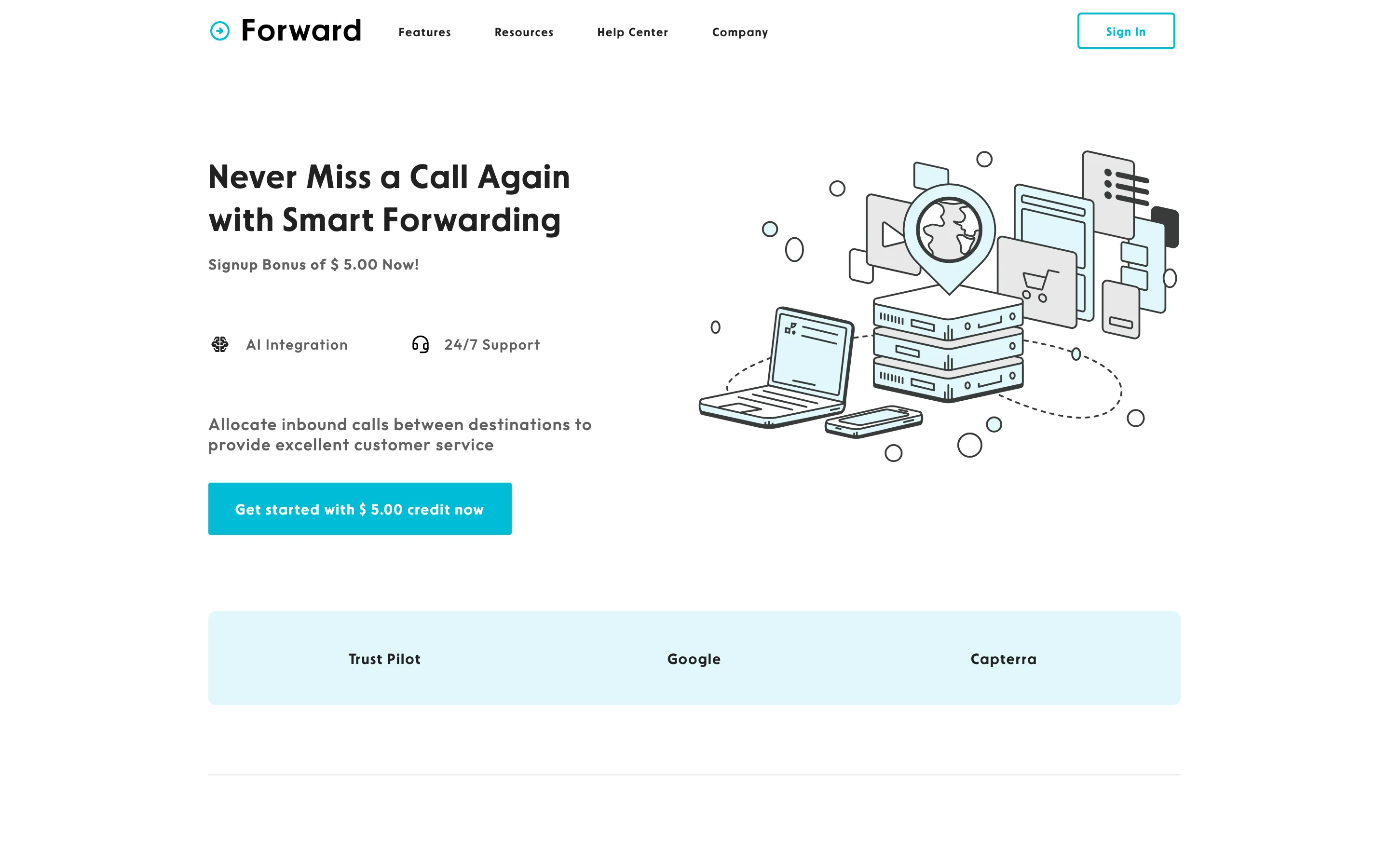
Go to the Forward website and click on theSign UporGet Startedbutton.
You will be redirected to the account creation page.
Step 2: Enter Your Details
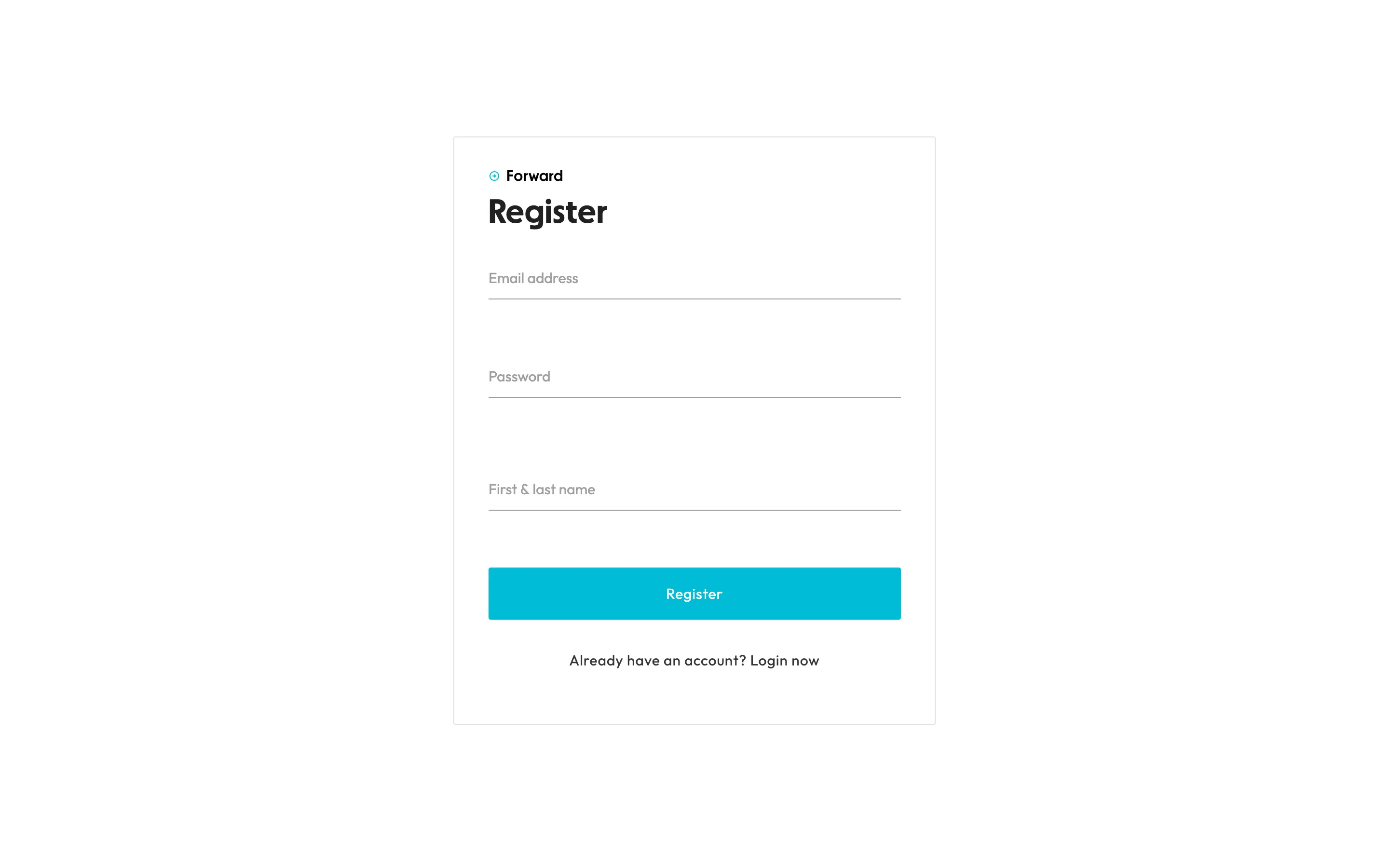
Fill in the required information, such as:
- 1. Email address
- 2. Password
- 3. First & last name
Make sure your password is strong and secure otherwise the system will not accept your selected password.
Once completed, click on the"Create Account"button.
Step 3: Verify Your Email Address
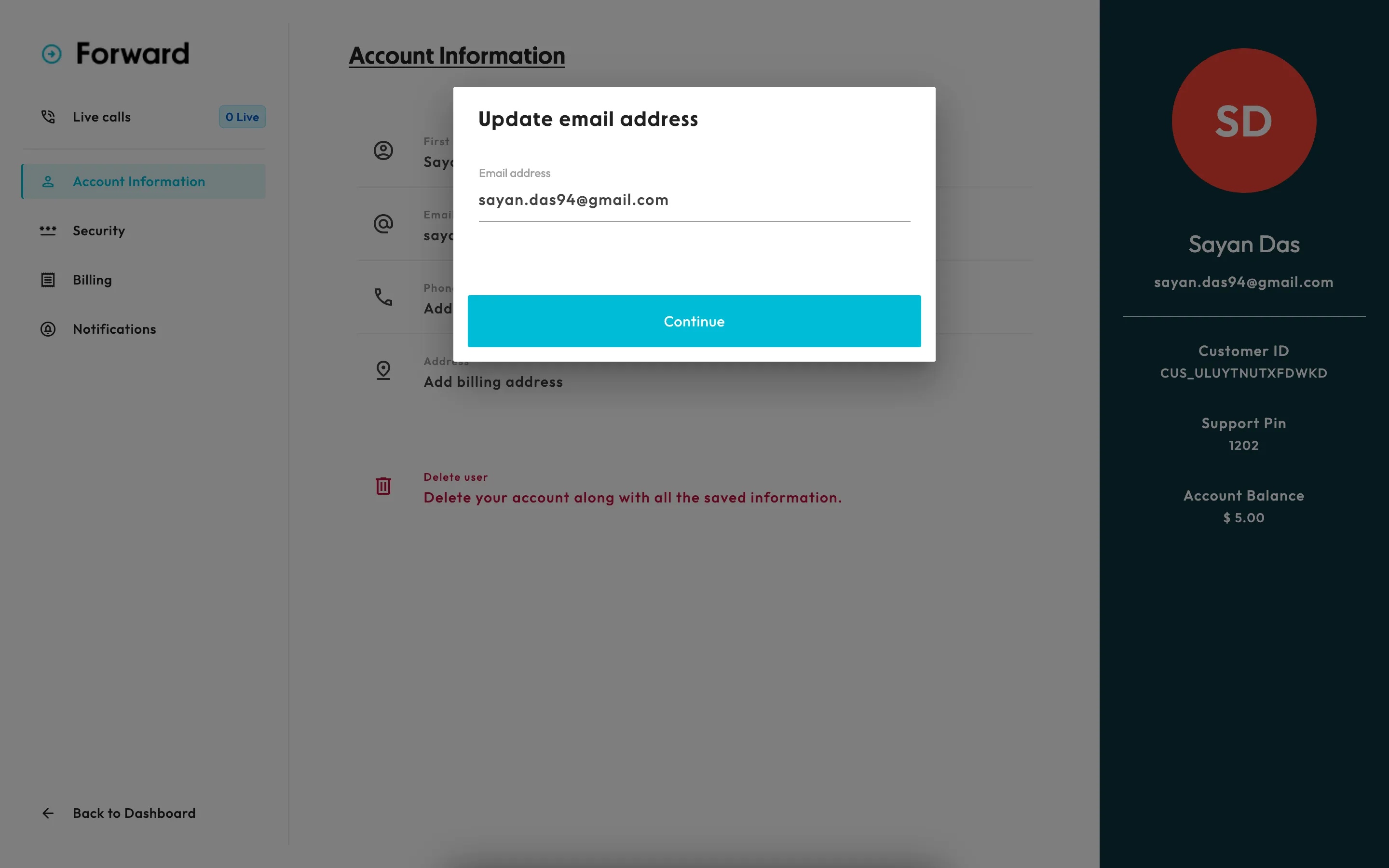
After signing up, you will receive a verification email.
- 1. Go to your email provider.
- 2. Open your inbox
- 3. Look for an email from Forward
- 4. Cick on the verification link
This step ensures your account is secure and activated.
Step 4: Complete Your Profile (If Required)
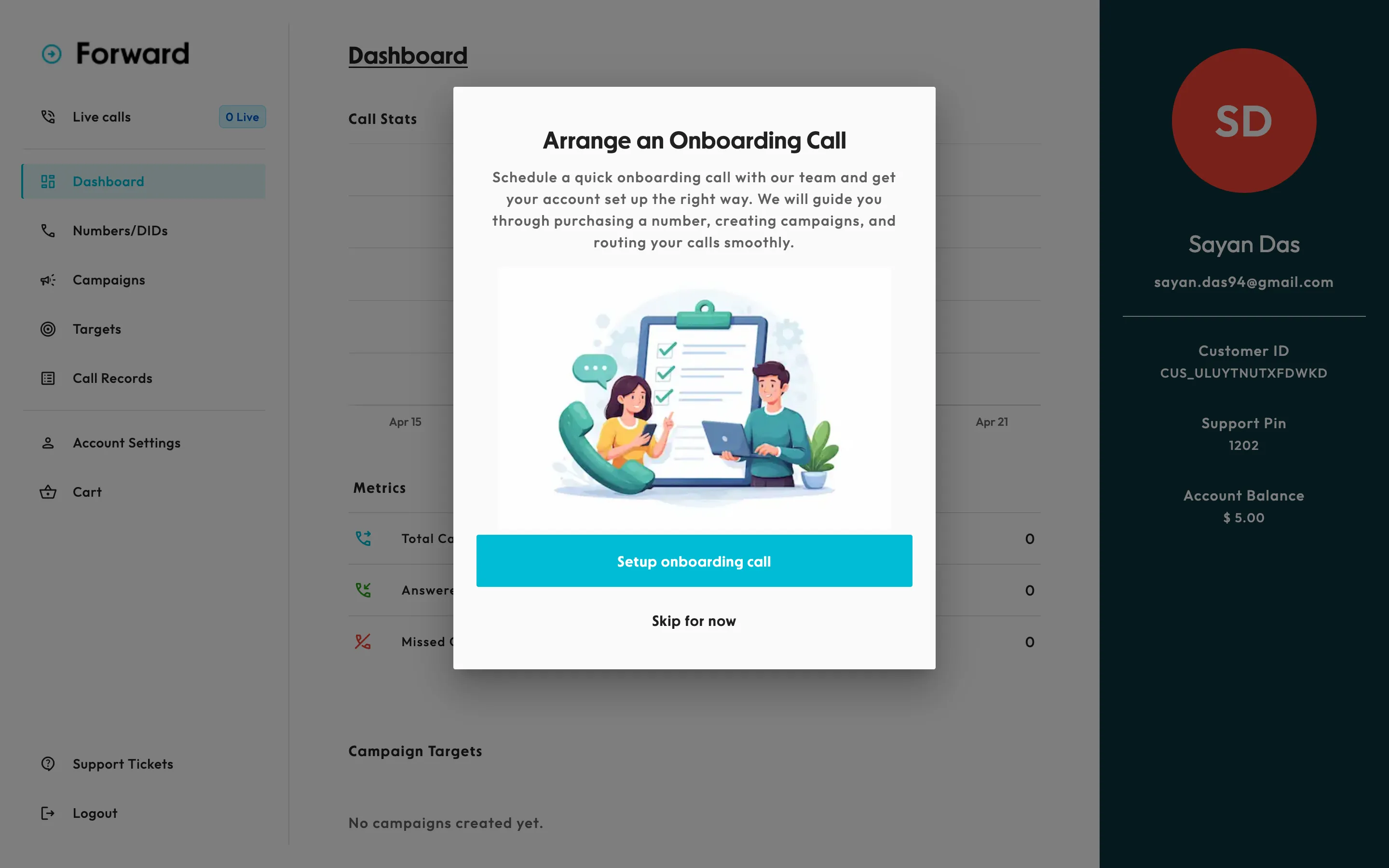
After verification, you are not asked to but recommended to the following information:
- 1. Phone number
- 2. Billing address
- 3. Payment method
Fill in the necessary details to proceed.
Step 5: Access Your Dashboard
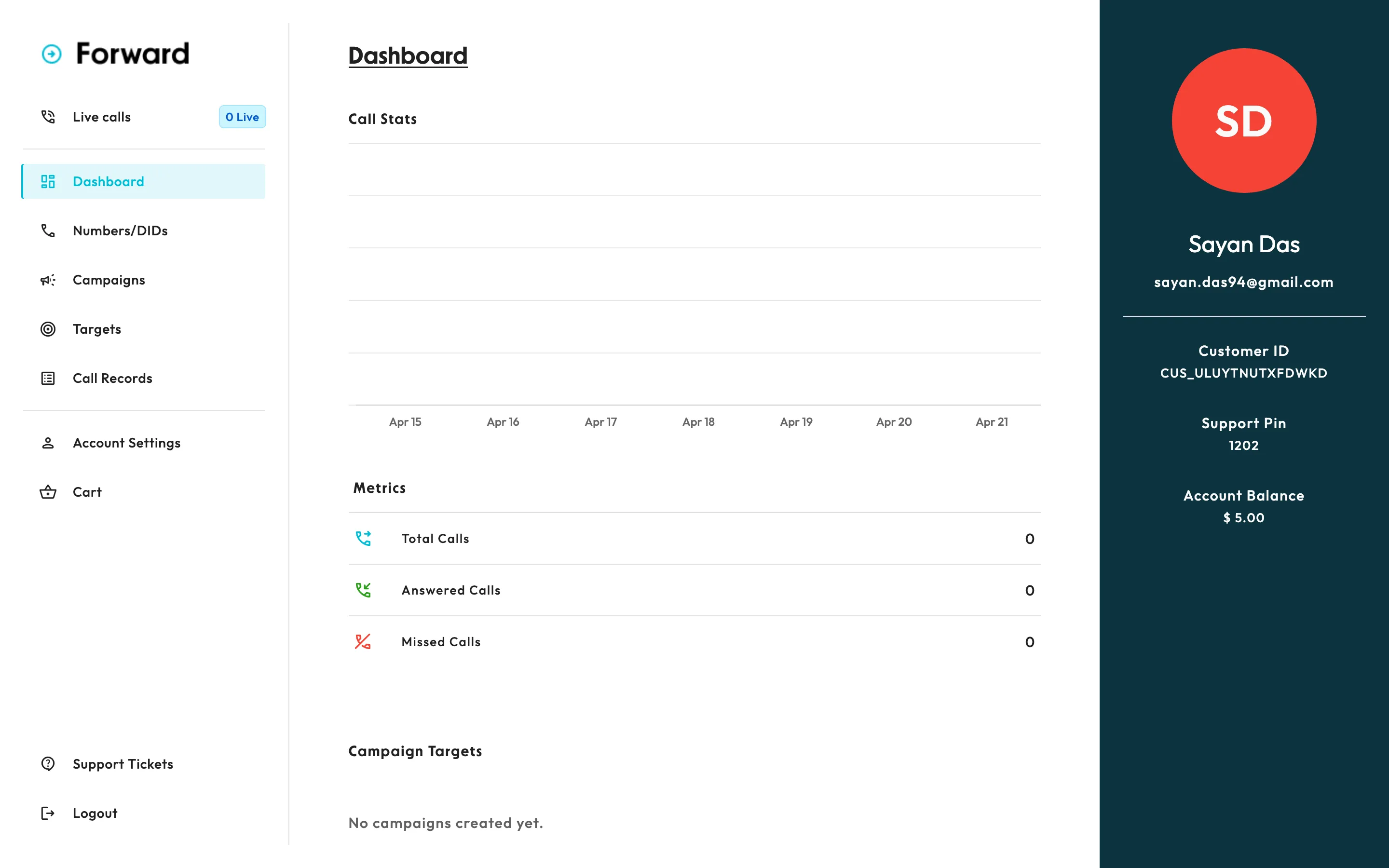
Once your account is set up, you will be redirected to your dashboard.
From here, you can:
- • Purchase a number
- • Setup call forwarding
- • Manage agents and call flow
What to Do Next
Now that your account is ready, you can move on to:
- 1. Add balance into your account
- 2. Setting up your phone number
- 3. Configure call forwarding
- 4. Adding targets
Troubleshooting
Didn't receive the verification email?
- 1. Check the spam folder
- 2. Wait for few minutes and try again
- 3. Request a new verification code